If you’re looking for the Rehmat Card Application Form 2026, here’s the first thing worth knowing: there’s no PDF to print and fill out by hand. The Punjab government has kept this entirely digital; you complete the same form directly on the official portal or mobile app, and it takes the place of any paper version. This guide walks you through exactly where to find it, how to fill it out correctly, and what to prepare beforehand so your application isn’t delayed.
What Is the Rehmat Card Application Form 2026?
The Rehmat Card Application Form 2026 is the official registration form used by the Zakat and Ushr Department, Government of Punjab, to enroll widows and orphaned children into the Rehmat Card welfare program. Once submitted, it’s cross-checked against NADRA and the Punjab Socio-Economic Registry (PSER) to confirm eligibility before any payment is released.
Under this scheme, approved applicants can receive:
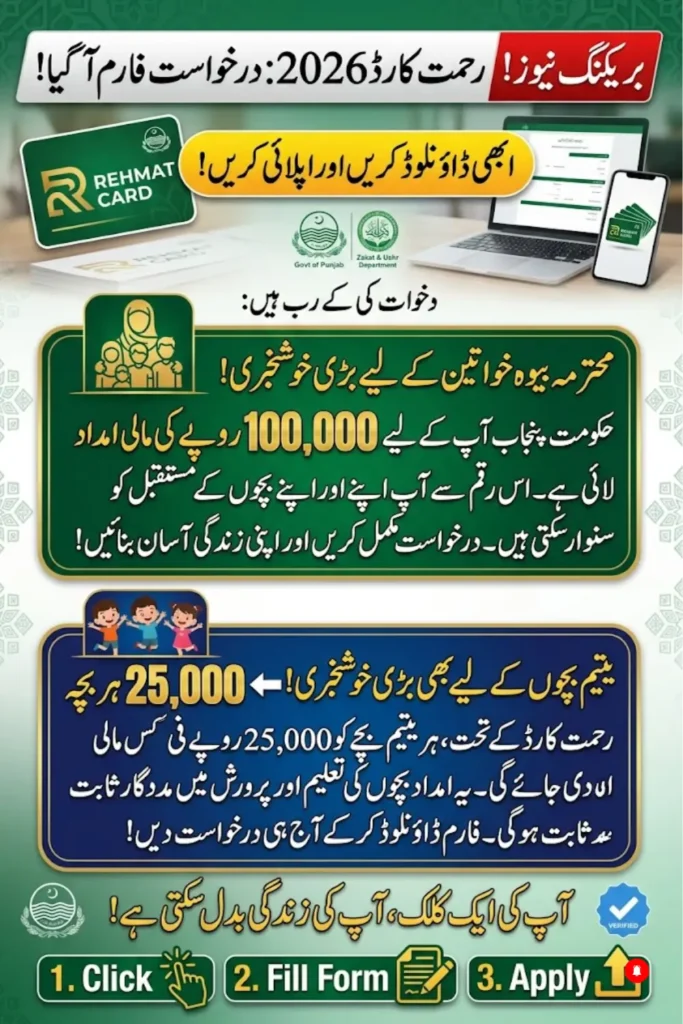
- Rs. 100,000 for widows
- Rs. 25,000 per child for double-parent orphans (up to Rs. 150,000 per family in some cases)
Where to Access the Rehmat Card Application Form
There are three official ways to access the form; the third one requires downloading anything:
1. Official Web Portal: Go to rahmatcard.punjab.gov.pk. Create an account with your CNIC, and the application form opens directly inside your dashboard.
2. Mobile App: Search for the official CM Punjab Rehmat Card app on the Google Play Store. The same form is built into the app, which is often easier for applicants filling it out from a phone.
3. Helpline (1077): If you’d rather not fill the form yourself, call 1077 and a Zakat & Ushr Department representative can complete it with you over the phone or guide you to your nearest district office.
If you’ve come across a website offering a “downloadable Rehmat Card form” as a PDF, be cautious; that’s not how the official process works, and such sites are often unofficial or outright fraudulent.
Step-by-Step: Filling Out the Application Form
- Create your account using your CNIC number and a mobile number registered in your own name.
- Enter personal details: full name, CNIC number, date of birth, and marital status (this must match what’s recorded in NADRA).
- Add household information: number of dependents, orphaned children’s details, and income status.
- Upload your documents (see list below) as clear scans or phone photos.
- Review everything carefully. A mismatched CNIC or an unregistered mobile number is the most common reason applications get stuck.
- Submit and save your Application Reference Number; you’ll need it to track your status later.
Documents Required Before You Start
Keep these ready so you’re not searching for paperwork halfway through the form:
- Valid CNIC of the widow or guardian
- Husband’s death certificate (for widows) or both parents’ death certificates (for orphans)
- Child’s B-Form (for orphan applications)
- Mobile number registered under your own CNIC
- Proof of residence, if requested during verification
Common Mistakes That Delay Approval
- Using a mobile number registered to someone else; payments and OTPs won’t reach you
- Marital status not updated in NADRA’s system before applying
- Blurry or incomplete document uploads
- Submitting more than one application (this can lead to disqualification)
Checking Your Application Status
After submission, log back into the portal with your CNIC to see your current stage: Registered, Under Verification, Approved, or Selected for Payment. If anything is missing, the dashboard will tell you exactly what needs fixing.
Important: Registration Is Free
There is no fee at any point in this process. If someone asks for money to “process” or “download” your Rehmat Card Application Form, it’s a scam. Report it and use only the official portal or the 1077 helpline.
Frequently Asked Questions
Is there an actual PDF version of the Rehmat Card Application Form?
No. The form exists only inside the official web portal and mobile app; there’s no separate document to download and print.
Can I fill the form for a family member?
Yes, guardians can complete the orphan application on behalf of a child, provided guardianship documents are submitted.
What happens after I submit the form?
Your details go through NADRA and PSER verification. You’ll get an SMS once your status changes to Approved.
How do I know if I’ve already applied?
Log in to the portal with your CNIC if an application exists, it’ll show up on your dashboard.
Punjab Rahmat Card Scheme 2026 – Complete Guide for Widows and Orphans